Bounce Connect
Seamless integration that brings messages, calls, notifications, and files together across your devices.
Powerful features that work seamlessly together to enhance your workflow.
See all your Android messages on Mac in real-time. SMS, WhatsApp, Telegram—all in one place with native macOS notifications.
Answer or decline calls directly from your Mac. See caller ID, contact photos, and manage calls without touching your phone.
All your Android notifications appear on Mac instantly. Stay informed without constantly checking your phone.
Copy on Mac, paste on Android seamlessly. Text, images, and links sync instantly between your devices.
Drag and drop files between devices. No cables, no cloud services—just instant, secure transfers over WiFi.
AES-256-GCM encryption keeps your data safe. Everything stays on your local network—completely private.
Three simple steps to connect your devices.
Install Bounce Connect on your Mac and Bounce Companion on your Android device.
Open both apps and scan the QR code shown on Mac with your Android device.
That's it! Your devices are now connected and syncing automatically.
A beautiful, lightweight app designed for seamless integration.
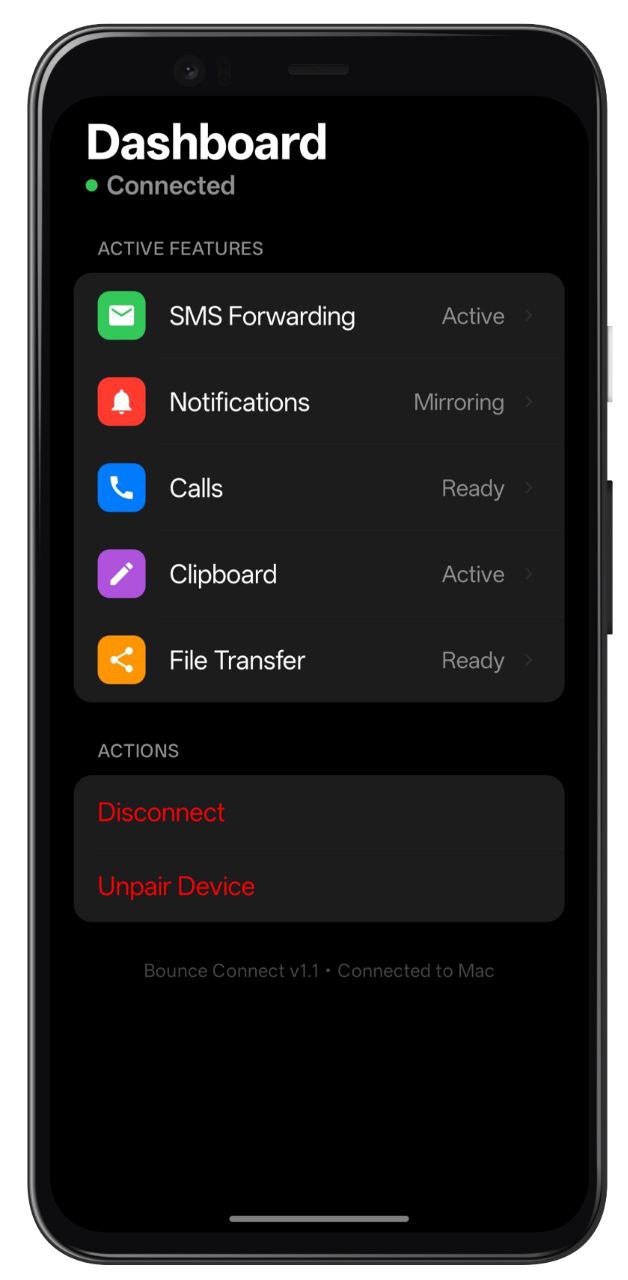
Monitor connection status, battery life, and storage in one clean interface.
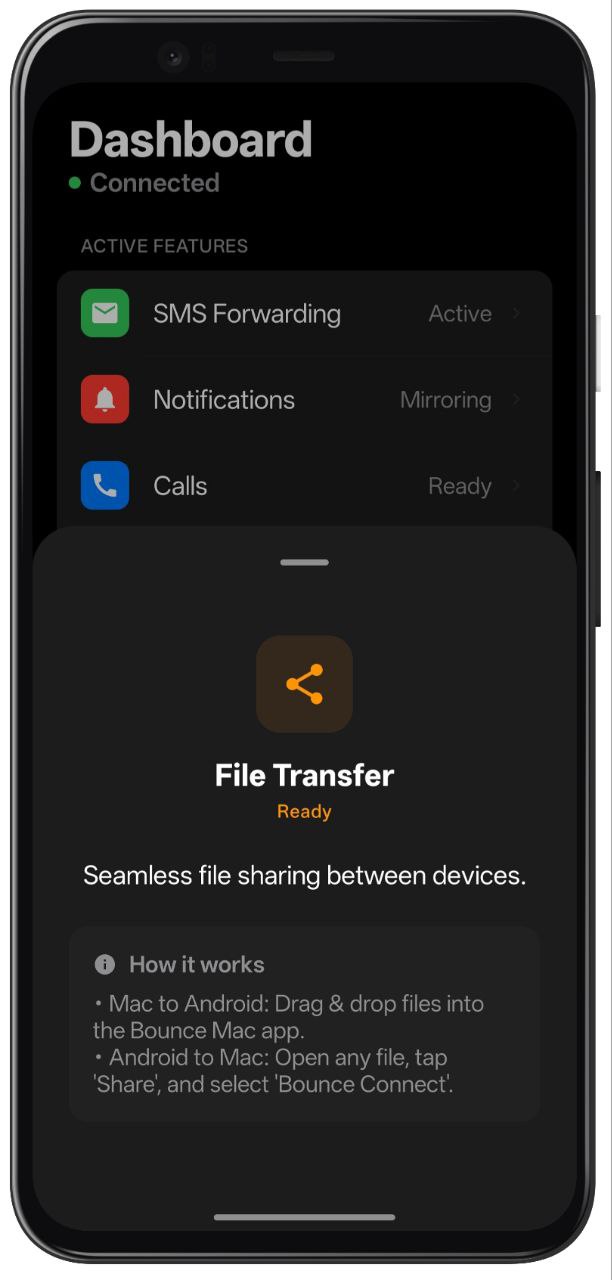
Transfer files seamlessly. Drag & drop from Mac or share from Android apps.
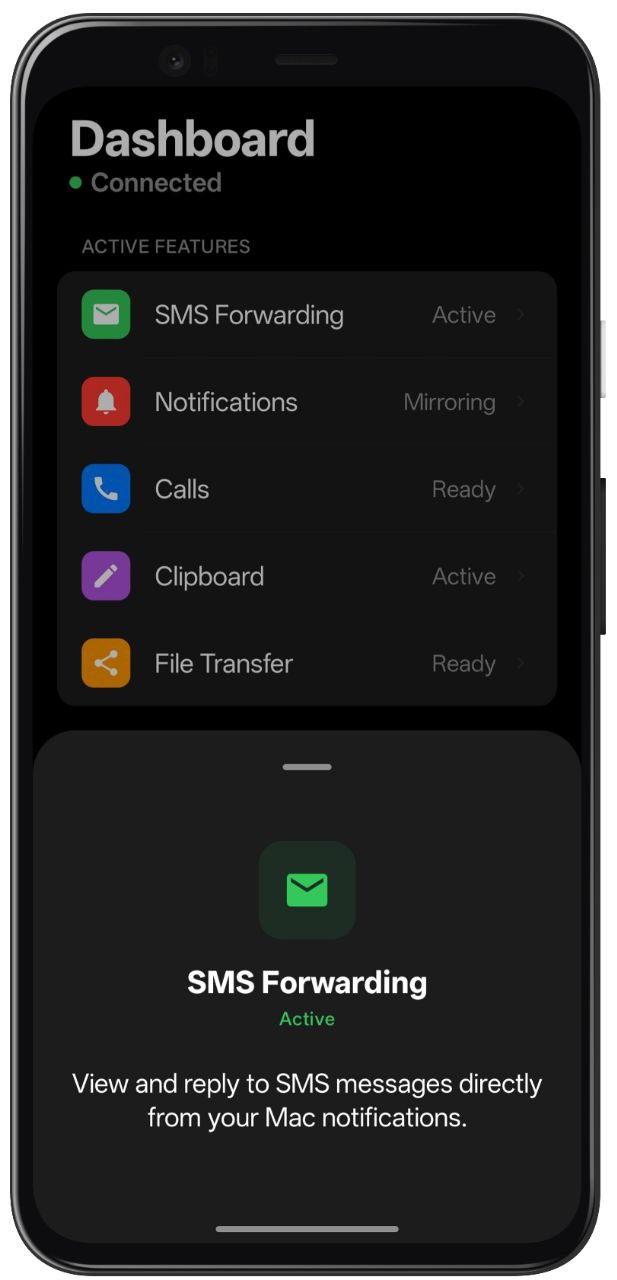
View and reply to SMS messages directly from your Mac notifications.
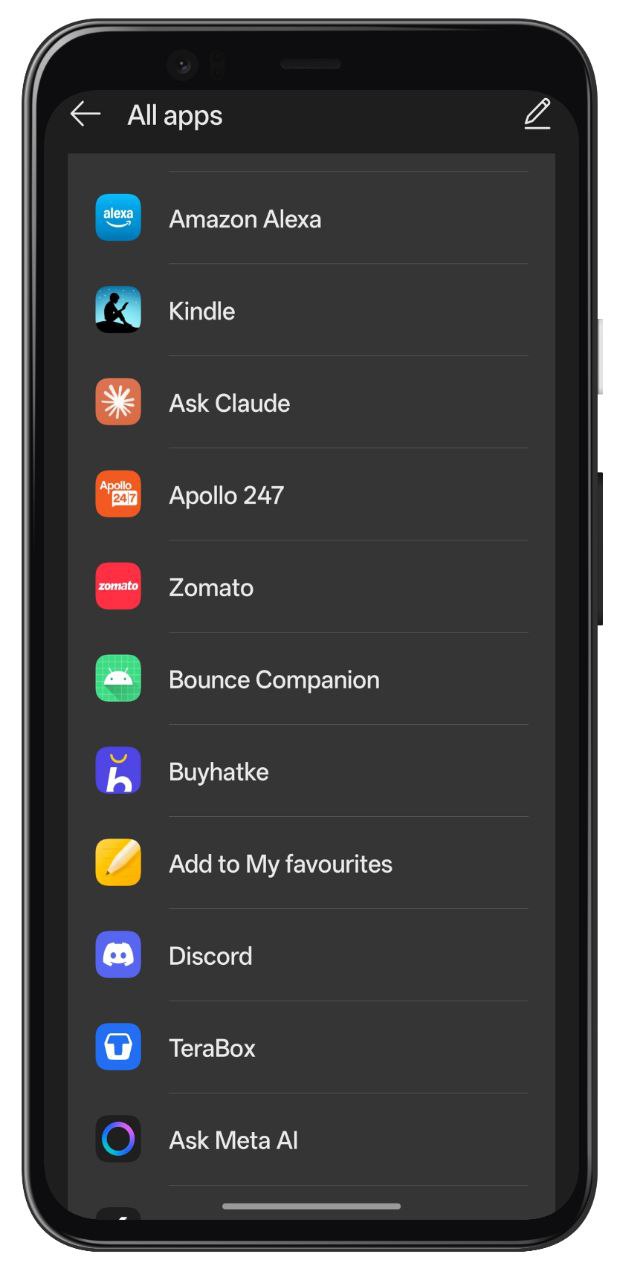
Bounce appears in your share menu—send content to Mac from any app.
Designed with elegance and functionality in mind.
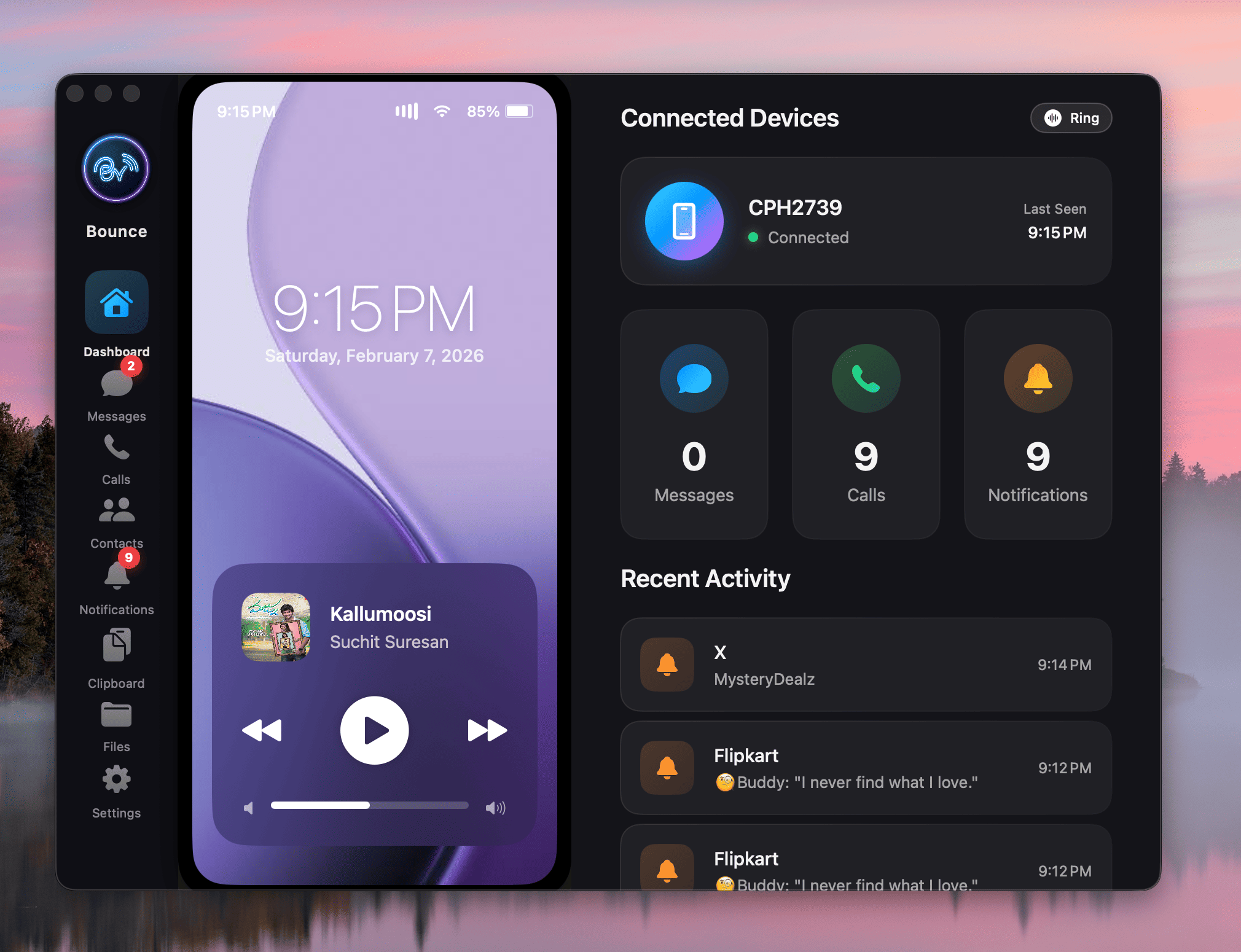
Complete overview of connected devices, recent activity, and quick stats.
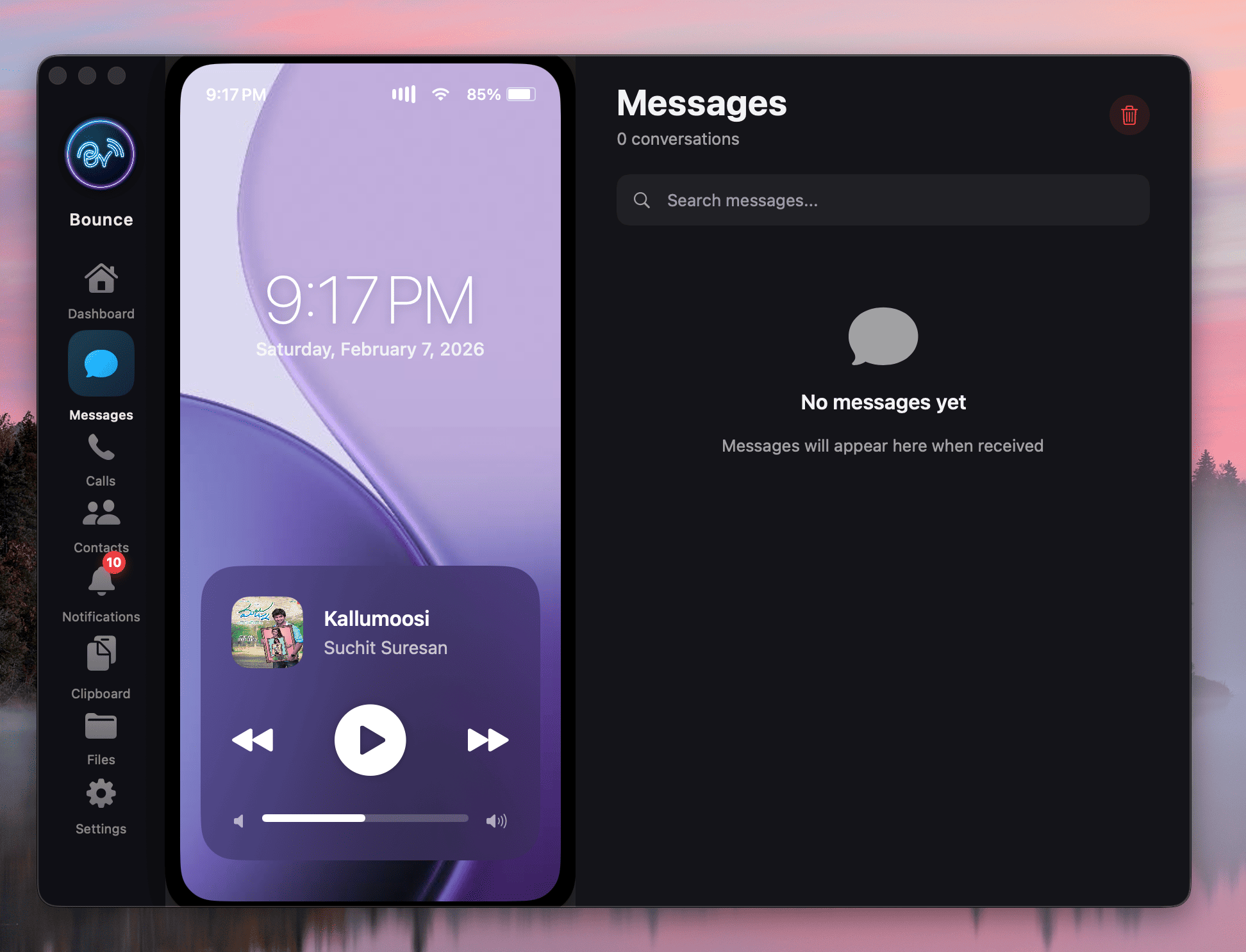
View messages from multiple apps with sender details and timestamps.
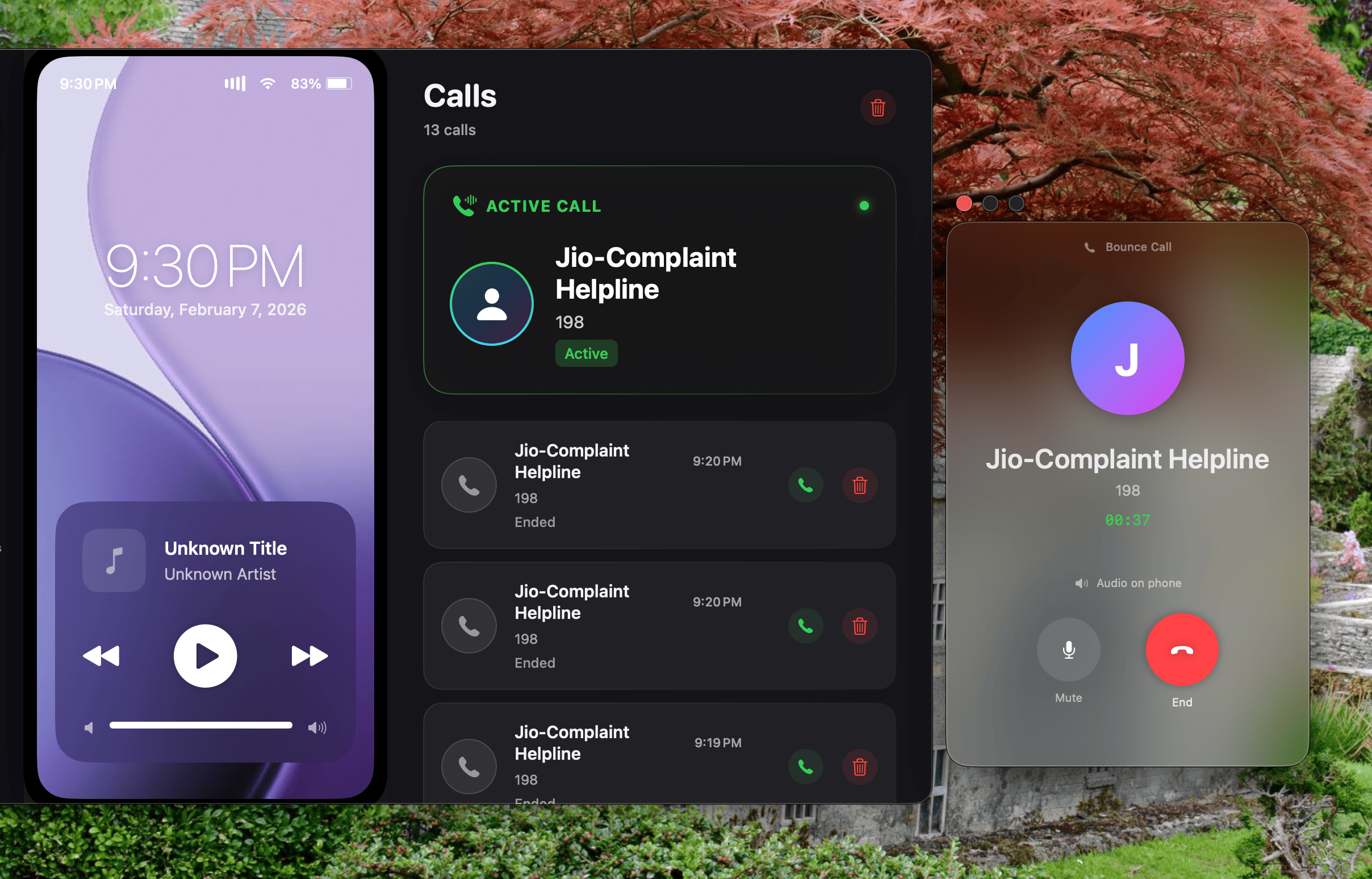
Track incoming, active, and missed calls with detailed information.
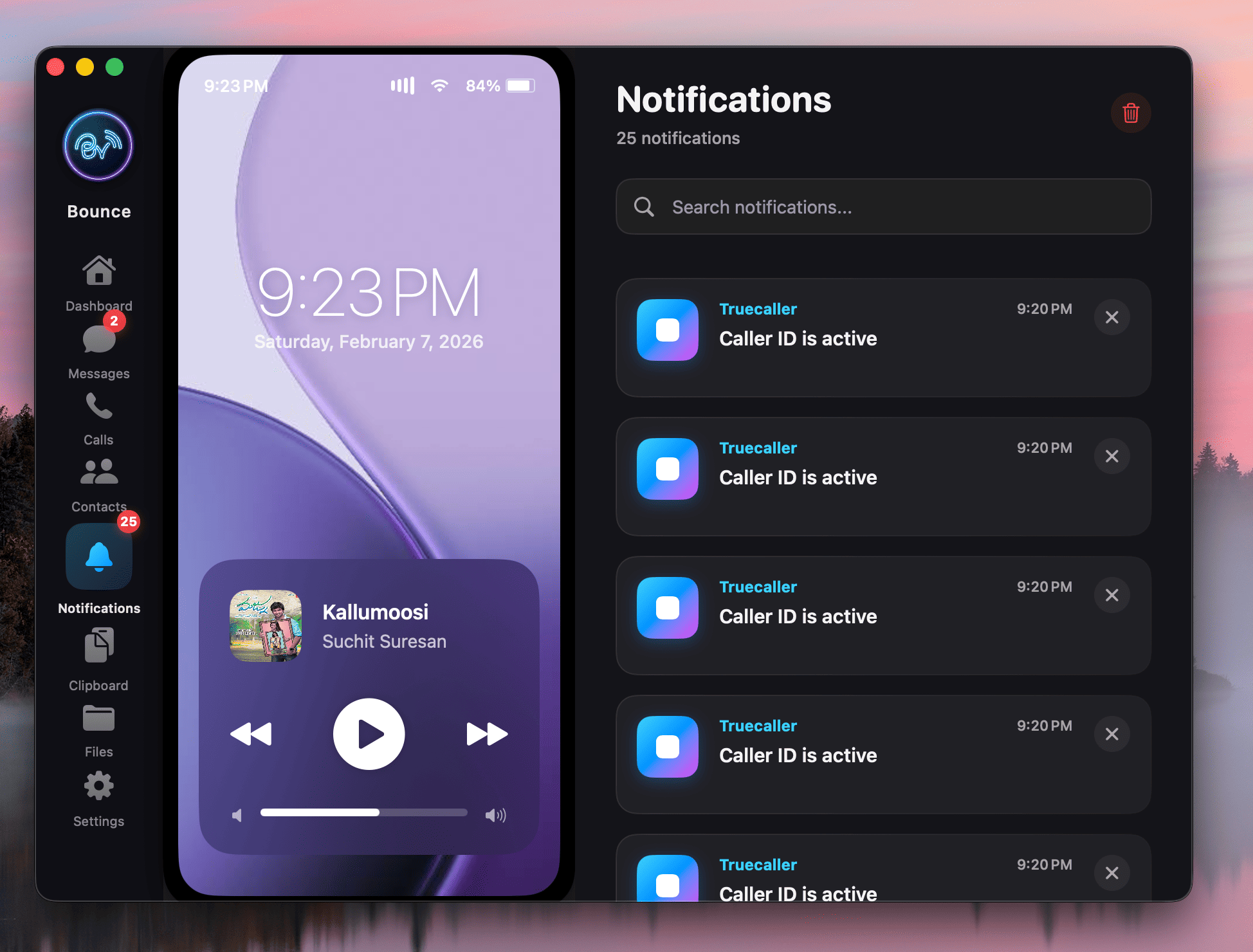
All Android notifications beautifully organized in one place.
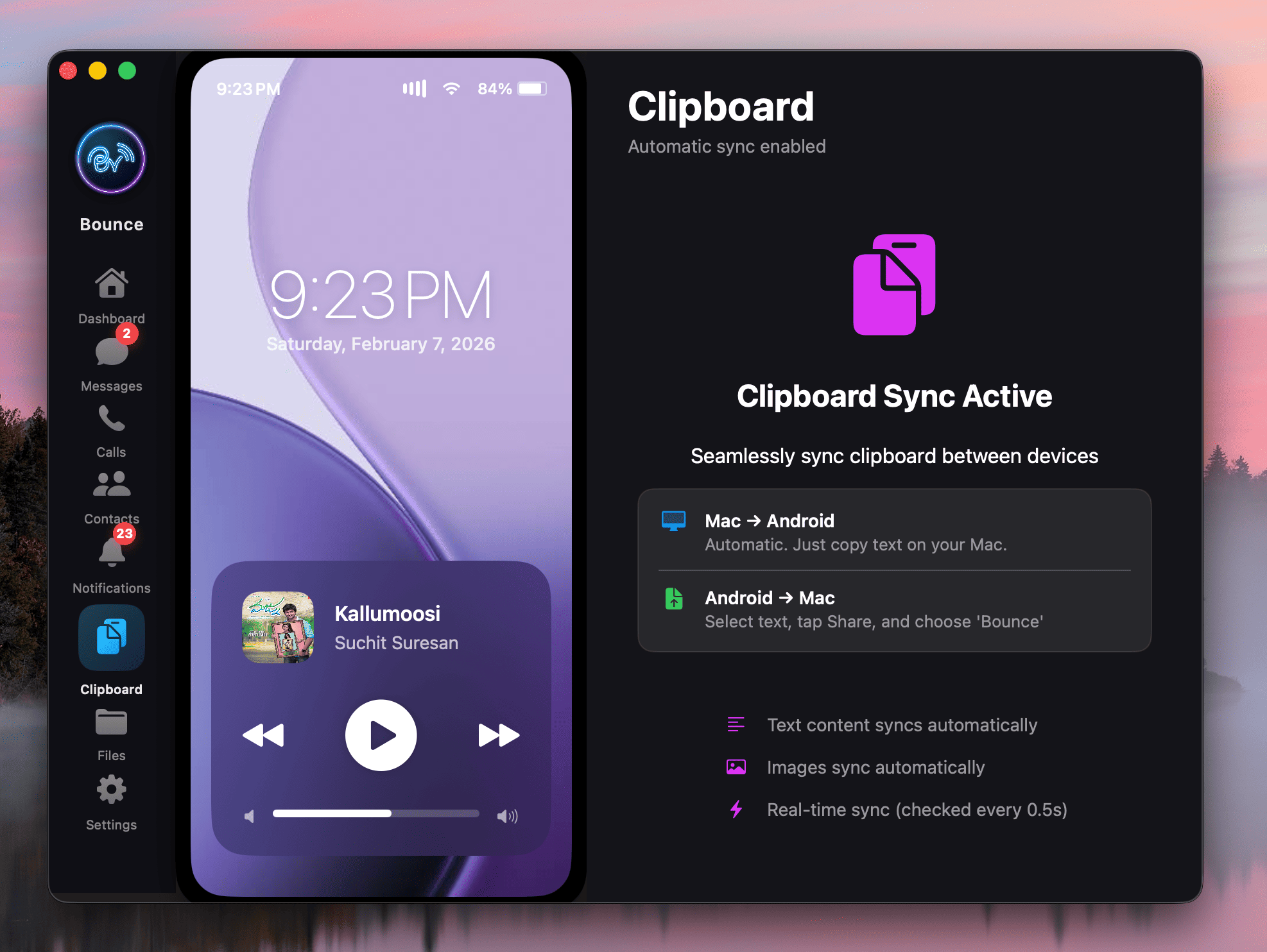
Access clipboard with instant sync. Copy once, paste everywhere.
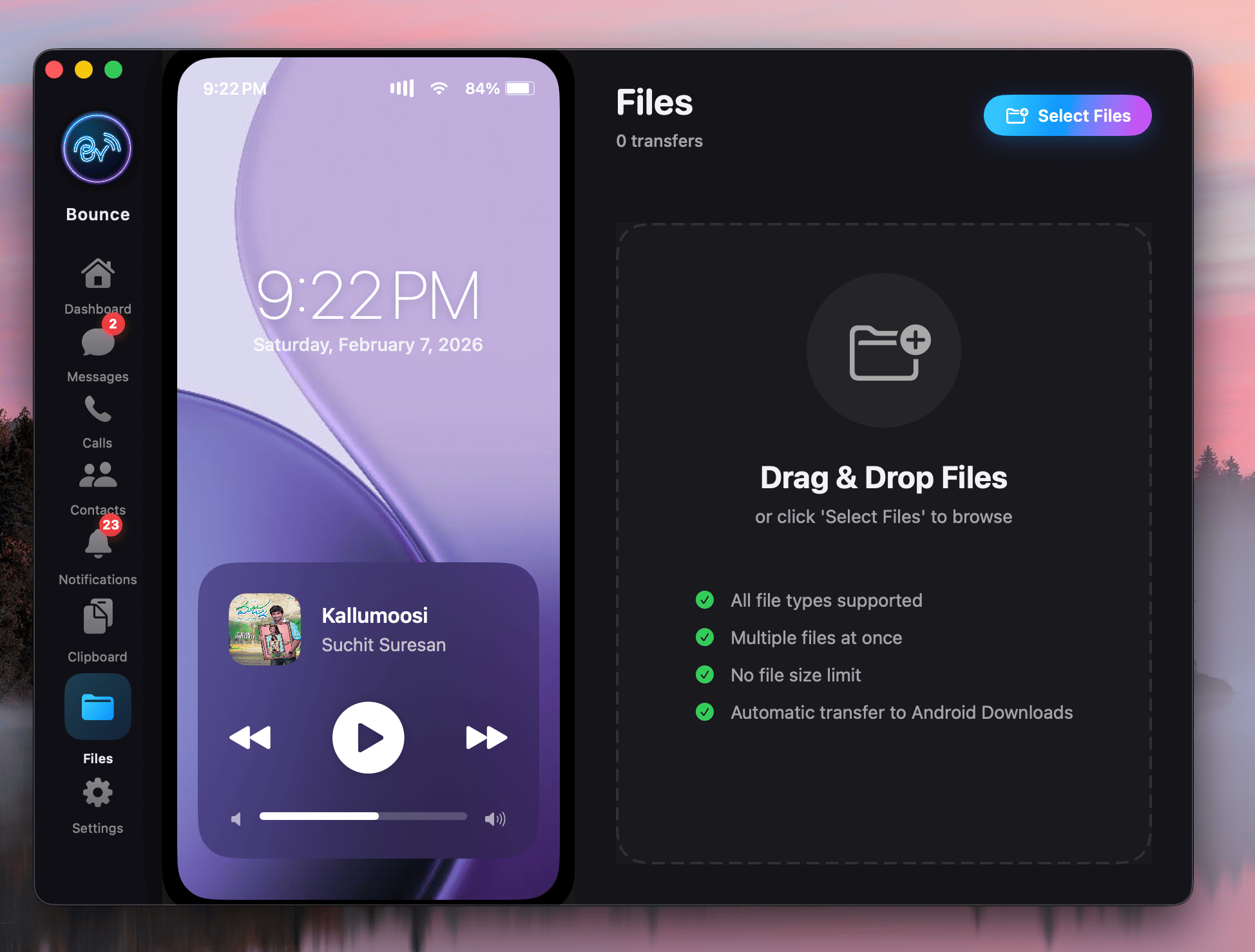
Send files with progress tracking and organized storage.
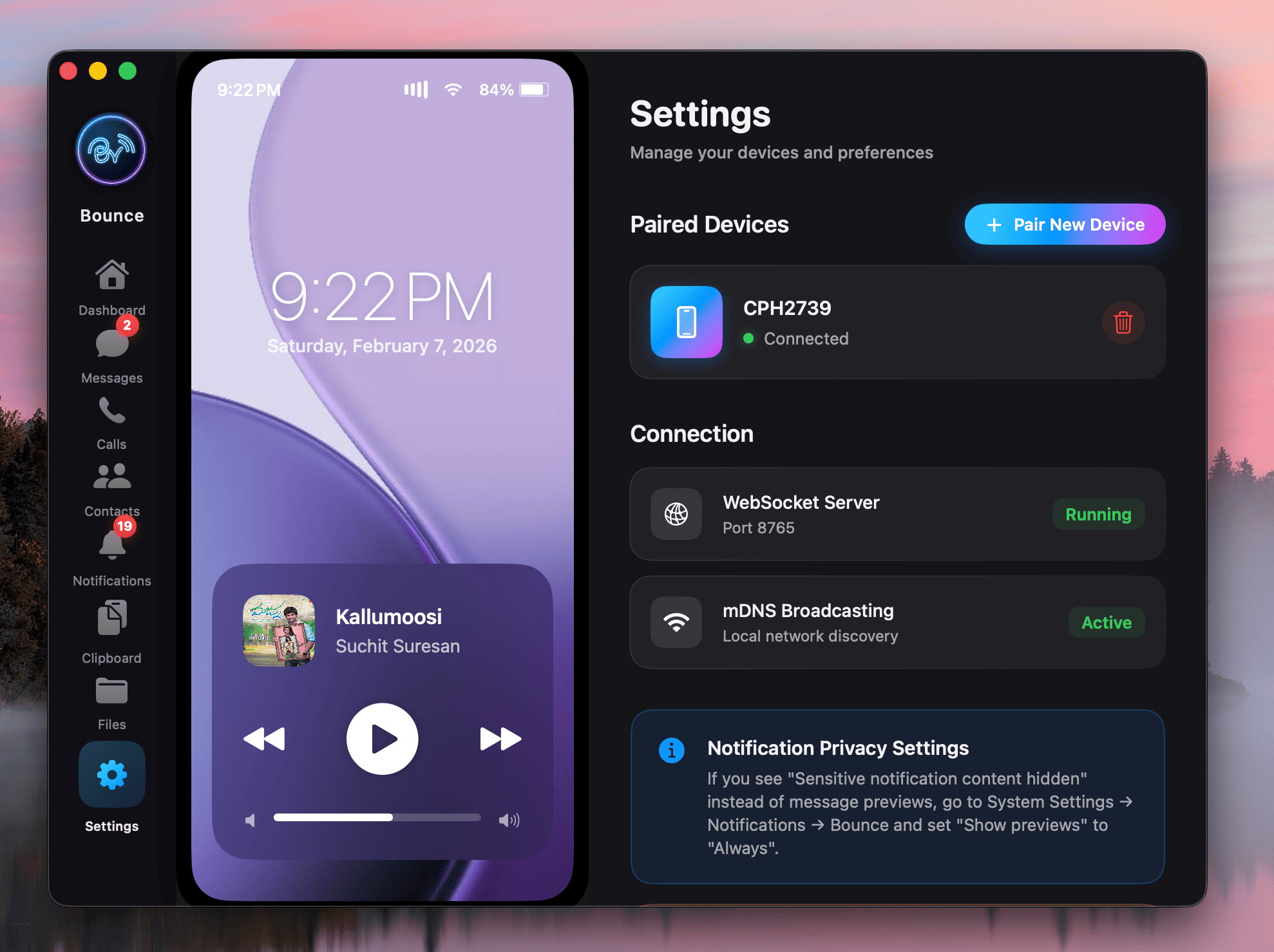
Simple QR code pairing with AES-256 encryption.
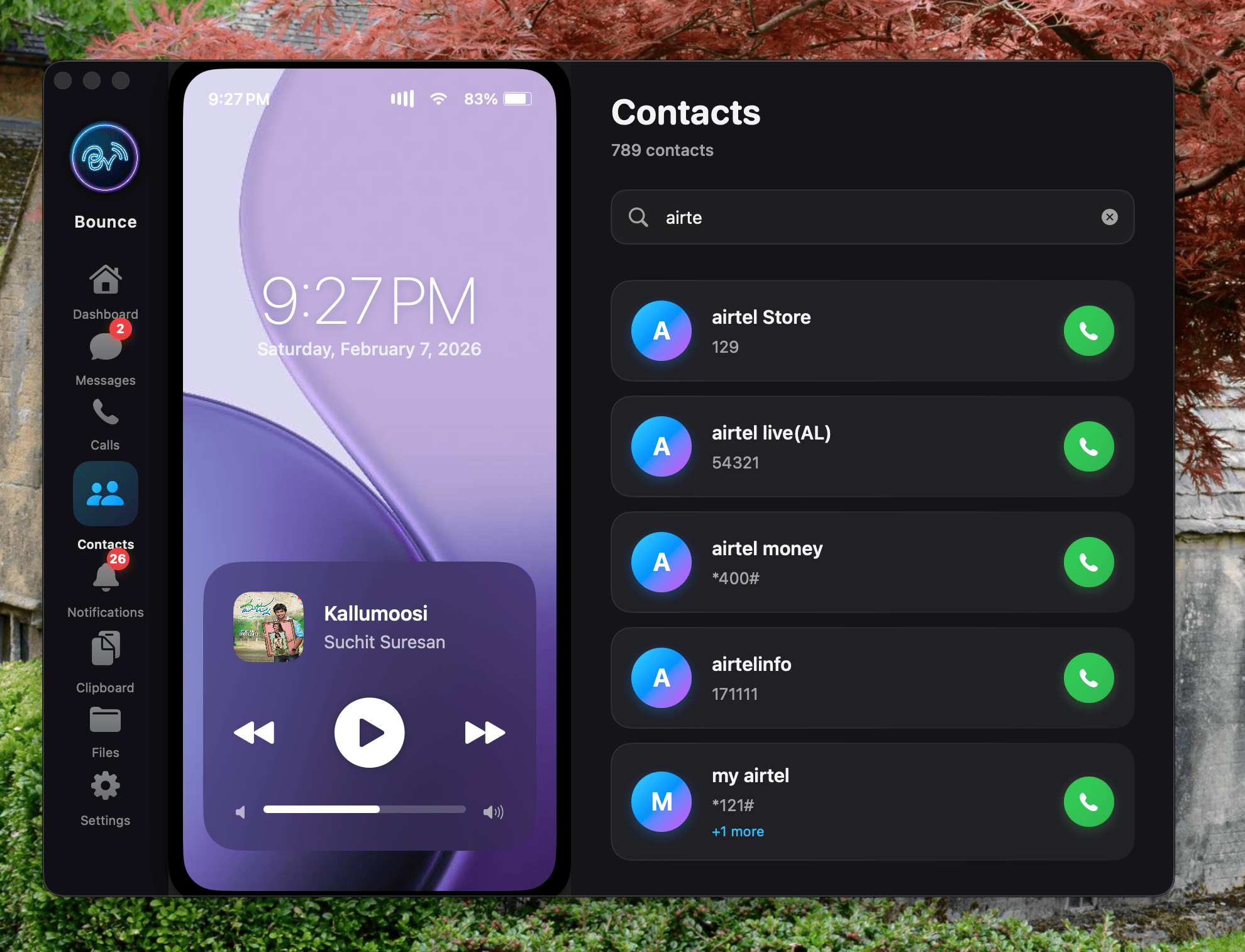
View and manage Android contacts directly from your Mac.
Notifications synced from Android to Mac seamlessly and privately.
Download Bounce Connect and experience seamless connectivity.